GEN X TALKS!

GEN X TALKS!GEN X TALKS!GEN X TALKS!
Home
Are We Going LIve?
KGXT RADIO
Merch & Gear!
Youtube member
Podcast directions

GEN X TALKS!

GEN X TALKS!GEN X TALKS!GEN X TALKS!
Home
Are We Going LIve?
KGXT RADIO
Merch & Gear!
Youtube member
Podcast directions
More
  • Home
  • Are We Going LIve?
  • KGXT RADIO
  • Merch & Gear!
  • Youtube member
  • Podcast directions
  • Sign In
  • Create Account

  • My Account
  • Signed in as:

  • filler@godaddy.com


  • My Account
  • Sign out


Signed in as:

filler@godaddy.com

  • Home
  • Are We Going LIve?
  • KGXT RADIO
  • Merch & Gear!
  • Youtube member
  • Podcast directions

Account

  • My Account
  • Sign out

  • Sign In
  • My Account

The Kid's iPhone instructions.

Step #1

Go to kgxtradio.com on your phone

Step#2

Find at the bottom this symbol. 'Upload'

Step#3

A menu will pop up and then you click 'Add to home screen'. 
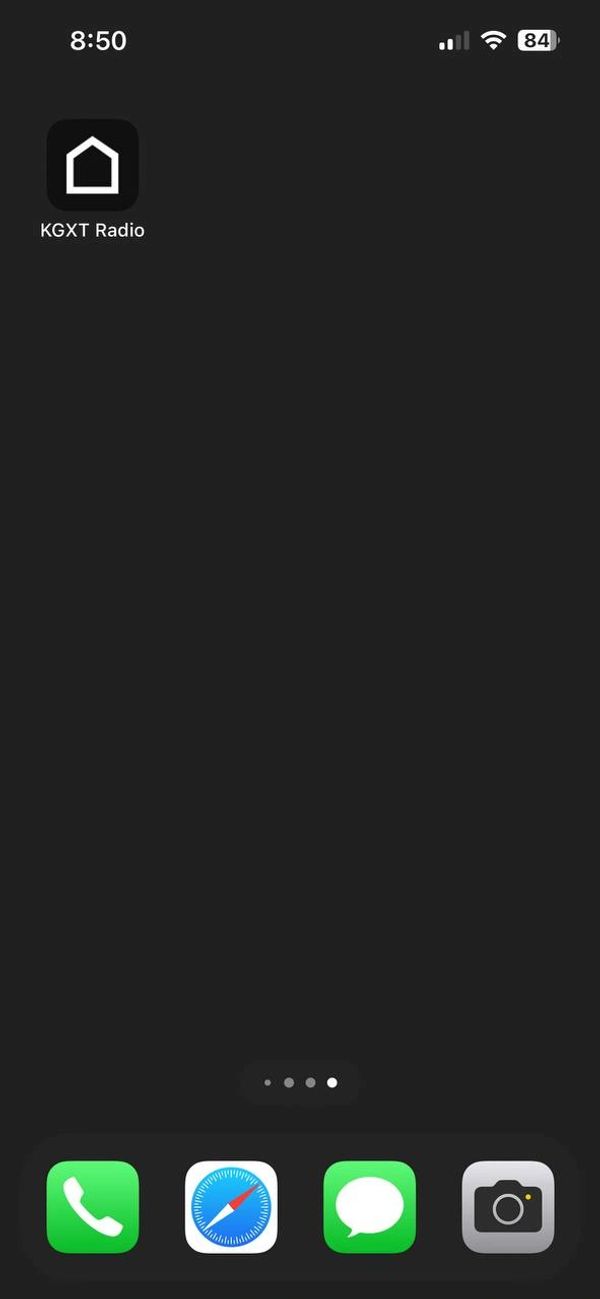
Step#4

Scroll around your home screens and you should see this icon. Now you are one click away from KGXT at all times! 

Copyright © 2024 GEN X TALKS! - All Rights Reserved.

  • Privacy Policy
  • Terms and Conditions
  • Guest spots
  • Staff
  • Analytics
  • Studio gear
  • Fat guy page
  • Sponsors And Advertising
  • Chris and Dad.
  • GXT for business
  • Interviews are all here!
  • Podcast directions
  • 1 on 1 interviews
  • FGP

Powered by

This website uses cookies.

We use cookies to analyze website traffic and optimize your website experience. By accepting our use of cookies, your data will be aggregated with all other user data.

Accept